UI UX Design Course with AI amp MCP in MumbaiJustAcademy offers a practical UI UX Design Course in Mumbai for students graduates aspiring designers and working professionals who want to develop skills in modern user interface design user experience design and AI-assisted design workflows This program combines Figma training design
UI UX Design Course with AI & MCP in Mumbai
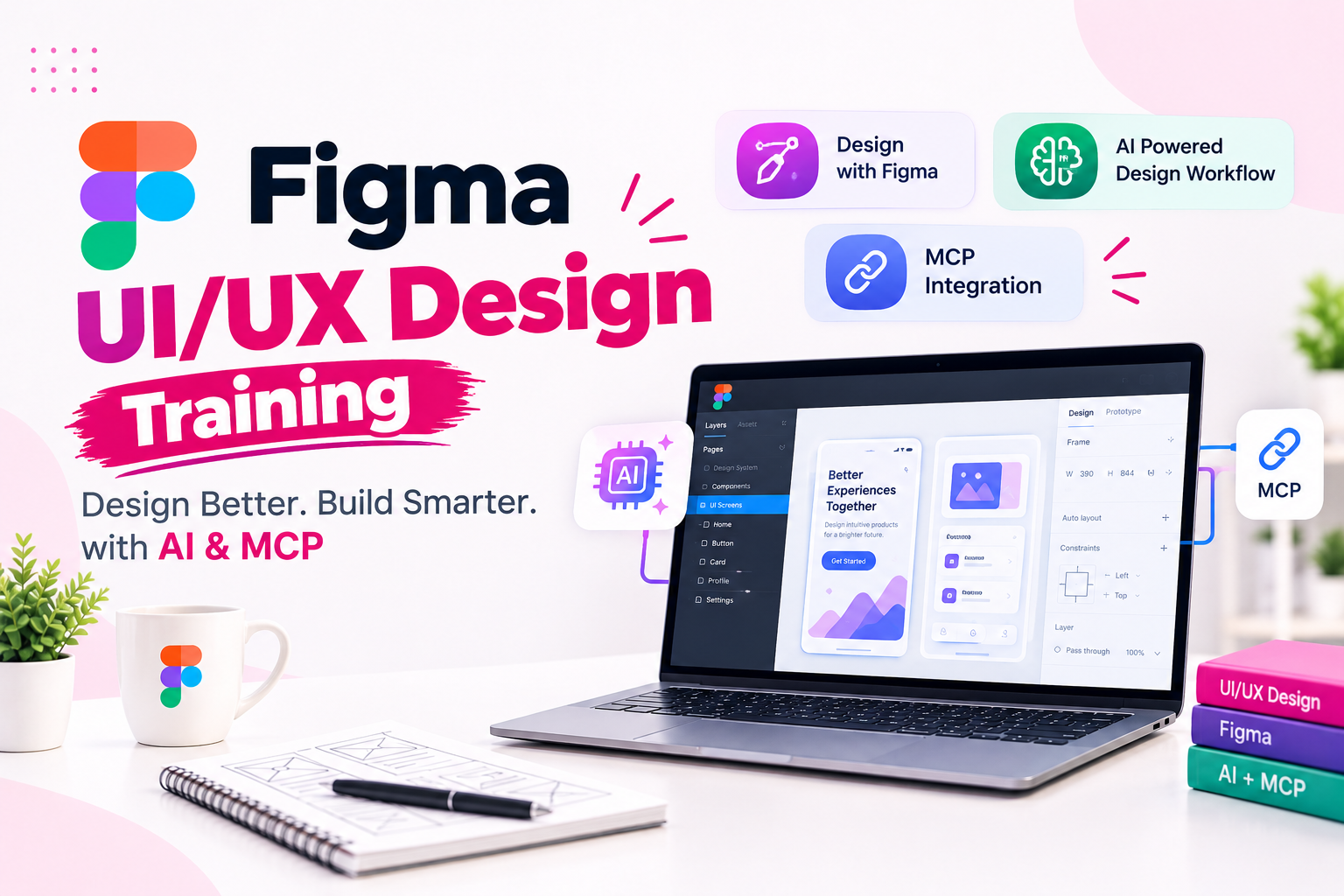
JustAcademy offers a practical UI UX Design Course in Mumbai for students, graduates, aspiring designers, and working professionals who want to develop skills in modern user interface design, user experience design, and AI-assisted design workflows. This program combines Figma training, design fundamentals, interactive prototyping, design systems, artificial intelligence, and Model Context Protocol (MCP) concepts to help learners understand current digital product design workflows.
The course focuses on designing engaging websites, mobile applications, dashboards, and digital products. Learners explore how to transform ideas into wireframes, user flows, interactive prototypes, and polished interfaces using industry-relevant design tools.
Through live instructor-led training sessions, practical assignments, trainer guidance, and project-based learning, participants can develop their design capabilities and build a portfolio of UI/UX projects. The AI component introduces techniques for exploring design concepts, improving workflows, and connecting compatible AI tools with design context through MCP.
Whether you want to become a UI/UX designer, product designer, or digital interface designer, this course provides a structured learning path covering design principles, Figma, AI-assisted workflows, and practical project development.
Online UI UX Design Course with Live Instructor-Led Sessions
JustAcademy emphasizes interactive learning through live sessions rather than relying only on recorded lessons. Learners can follow demonstrations, ask questions, practise design techniques, and receive guidance while working on assignments.
The live training approach may cover:
UI/UX design principles and user-centered design.
Figma interface design and advanced features.
Website and mobile application wireframing.
Interactive prototypes and user flows.
Design systems, reusable components, and responsive layouts.
AI-assisted design exploration and prompt writing.
MCP concepts and compatible AI integrations.
Portfolio projects and case study development.
Resume preparation, interview guidance, and placement assistance.
Learners located outside Mumbai can enquire about available online live batches. Those who prefer in-person learning can enquire about classroom availability in Mumbai.
What Is UI/UX Design?
UI stands for User Interface, while UX stands for User Experience. Both disciplines contribute to the design of digital products, including websites, mobile applications, software platforms, and online services.
User Interface Design (UI) focuses on the visual and interactive elements of a product. It includes layouts, typography, colours, buttons, icons, spacing, visual hierarchy, and reusable interface components.
User Experience Design (UX) focuses on how people interact with a product. It involves understanding user needs, researching problems, organizing information, planning user journeys, creating wireframes, and evaluating whether a product is easy to use.
A UI/UX designer combines these disciplines to create interfaces that are visually consistent, easy to navigate, and aligned with user requirements.
In this UI UX Design Training, learners explore both the visual design process and the user-centered thinking required to develop effective digital experiences.
Why Learn UI/UX Design with Figma, AI, and MCP?
Modern design workflows increasingly involve collaboration between designers, developers, and AI-assisted development tools. Learning the fundamentals of UI/UX design alongside these technologies can help learners understand how digital products move from initial concepts to implementation.
Figma for Interface Design
Figma is a collaborative design tool used to create website layouts, mobile interfaces, interactive prototypes, and reusable design systems. Learners explore frames, components, Auto Layout, variables, prototyping, and collaborative workflows.
AI-Assisted UI/UX Design
AI tools can support design ideation, content generation, interface exploration, and repetitive tasks. Learners can explore prompt writing and AI-assisted design workflows while evaluating generated results and refining them through human judgment.
MCP for Design and Development Workflows
Model Context Protocol (MCP) is a standard that allows compatible AI applications to interact with connected tools and contextual information. In a design workflow, supported MCP integrations can help AI clients access selected design context and assist with tasks such as component interpretation or design-to-code exploration.
MCP capabilities depend on the available server, client, permissions, and tool integrations. The course should therefore focus on the integrations and workflows available in the selected training batch.
UI UX Design Course Syllabus
The following modules outline the main learning areas for the program. The exact sequence and depth of topics depend on the final batch syllabus.
Case studies, project presentations, resume guidance, interview preparation
Tools and Technologies Covered
The course introduces design tools and supporting technologies used in interface design, prototyping, AI-assisted workflows, and collaboration with developers.
Tool or Technology
Application
Figma
Website and mobile interface design, prototyping, collaboration
FigJam
Brainstorming, diagrams, user flows, and planning
Figma AI Features
Supported AI-assisted design workflows
Figma MCP Server
Connecting compatible AI clients to supported Figma design context
Cursor
AI-assisted coding and frontend workflow exploration
Visual Studio Code
Frontend development and supported integrations
Claude Code
AI-assisted development workflows, subject to compatibility
Git and GitHub
Version control and project collaboration where applicable
HTML and CSS
Understanding how interface designs translate into web layouts
JavaScript
Understanding interactive frontend implementation where included
AI APIs
Exploring AI-powered features and connected application workflows where applicable
The exact tools available may change as software features and integrations evolve. Learners should confirm which tools and practical integrations are included in their current batch.
Practical UI/UX Design Projects
Hands-on projects help learners apply design concepts to realistic scenarios. These assignments can also provide material for portfolio case studies and technical interviews.
1. E-Commerce Website UI/UX Design
Design an online shopping experience with product listings, product details, category navigation, shopping cart, checkout screens, and responsive layouts.
Skills and tools: Figma, Auto Layout, reusable components, responsive UI, interactive prototyping.
2. Food Delivery Mobile App
Create a mobile interface for restaurant discovery, menu browsing, filters, order placement, and order tracking. Focus on navigation and a smooth user journey.
Skills and tools: Mobile UI/UX, user flows, wireframing, interactive prototyping, Figma.
3. EdTech Learning Platform
Design a learning portal with course listings, student dashboards, course details, and learning progress indicators. Organize information so users can find relevant content easily.
Skills and tools: UX research, information architecture, design systems, wireframes, Figma.
4. Admin Analytics Dashboard
Create a dashboard with data cards, charts, navigation, filters, and reusable interface components. Focus on visual hierarchy and the presentation of complex information.
Skills and tools: Dashboard UI, Auto Layout, variables, components, responsive design.
5. SaaS Landing Page
Design a responsive marketing website with product features, pricing sections, calls to action, and a clear content hierarchy.
Skills and tools: Typography, visual hierarchy, responsive layouts, components, prototyping.
6. AI-Assisted UI Design Project
Explore how compatible AI tools can support design ideation, generate alternative concepts, or help refine interface layouts. Review and improve the results using design principles rather than relying entirely on generated output.
Skills and tools: AI-assisted design, prompt engineering, Figma, design evaluation.
7. Figma MCP Integration Project
Explore a supported workflow that connects selected Figma design context to a compatible AI client. Investigate how design information can support component interpretation and AI-assisted development.
Skills and tools: MCP fundamentals, Figma MCP Server, compatible AI clients, design handoff.
8. AI-Assisted Design-to-Code Project
Take a selected interface through an AI-assisted frontend workflow. Compare the implementation with the original design, identify inconsistencies, and refine the output.
Document a design problem, user journey, wireframes, final screens, interactive prototype, and the reasoning behind key design decisions.
Skills and tools: UX process, Figma, prototyping, presentation, portfolio development.
These are proposed training project examples. The projects completed by learners will depend on the confirmed syllabus, batch duration, and available integrations.
Who Should Join This UI UX Design Course?
This course can be useful for:
Students and graduates interested in digital product design.
Beginners who want to learn UI/UX design from the fundamentals.
Aspiring UI designers and UX designers.
Web designers who want to strengthen their Figma skills.
Frontend developers interested in design-to-code workflows.
Graphic designers moving towards digital product design.
Professionals interested in Figma, AI, and MCP concepts.
No advanced design background is necessarily required to begin with the fundamentals. Familiarity with computers and digital applications can help learners get started.
Career Opportunities After UI/UX Design Training
After developing practical design skills and a portfolio, learners may explore roles such as:
Career Role
Typical Responsibilities
UI Designer
Designing visual interfaces and reusable components
UX Designer
Researching user needs and improving user journeys
UI/UX Designer
Combining interface design and user experience planning
Product Designer
Designing digital products from problem discovery to interface refinement
Interaction Designer
Planning interactions and navigation behaviour
Visual Designer
Developing consistent visual styles and design assets
Junior Digital Product Designer
Supporting product design, wireframing, and prototyping
Design Systems Designer
Creating and maintaining reusable design components and standards
Career opportunities depend on practical skills, portfolio quality, communication, experience, and employer requirements. Learning AI-assisted design and MCP workflows can provide additional technical context, but these skills do not guarantee a particular job title or placement.
UI/UX Designer Salary in India
UI/UX designer salaries vary based on experience, location, portfolio quality, industry, company size, and responsibilities. The following figures are broad illustrative estimates, not verified salary offers or guaranteed outcomes.
Experience Level
Indicative Annual Salary
Entry Level / Fresher
₹3–5 LPA
Mid-Level Designer
₹5–10 LPA
Experienced Designer
₹10–18 LPA
Senior or Specialist Roles
₹15–25+ LPA
These ranges are approximate and can vary considerably across employers. A strong portfolio, practical design skills, and the ability to explain design decisions can help candidates prepare for relevant opportunities.
Why Choose JustAcademy for UI UX Design Training?
JustAcademy focuses on practical learning, guided exercises, and career preparation. The course combines design fundamentals with current design tools and introductory AI-assisted workflows.
Learners can benefit from:
Live instructor-led sessions and practical demonstrations.
Hands-on Figma exercises and interactive prototyping.
Website, mobile application, and dashboard design projects.
Exposure to AI-assisted design and compatible MCP workflows.
Guidance on portfolio case studies and project presentation.
Resume preparation and interview guidance.
Placement assistance and relevant referrals, subject to eligibility and availability.
Placement assistance does not guarantee employment. Career support and available opportunities should be confirmed with JustAcademy before enrolment.
Related Courses at JustAcademy
Explore related courses to develop complementary skills in design and mobile application development.
These programs support different learning goals. UI/UX design focuses on user experiences and interfaces, while Flutter and React Native focus on implementing mobile applications.
Enrol in the UI UX Design Course in Mumbai
Build your design skills with JustAcademy's UI UX Design Course with AI & MCP in Mumbai. Explore Figma, user experience principles, wireframing, prototyping, design systems, AI-assisted design, and compatible MCP workflows through live instructor-led learning and practical projects.
Develop portfolio case studies that demonstrate your understanding of digital product design and learn how design tools can support collaboration between designers and developers.
Contact JustAcademy to confirm the current course fee, duration, available live sessions, classroom options, tools covered, and project details.
Start your UI/UX design journey with Figma, AI, and modern design workflows at JustAcademy.
Enroll Now Pay Later
Curriculum
Curriculum will get updated soon.
Talk to Our Advisors
Not sure about which course to choose? Our advisors are here to help you!
What Makes JustAcademy Institute of Skills Training So Special?
The UI UX Design Course with AI & MCP at JustAcademy is designed for students, beginners, and professionals who want to develop practical skills in user interface design, user experience design, and AI-assisted design workflows. Learn Figma, wireframing, prototyping, design systems, responsive layouts, and user-centered design principles through live instructor-led sessions and practical projects.
Explore AI-assisted design, prompt engineering, and Model Context Protocol (MCP) concepts for compatible AI tools and design-to-code workflows. The course also focuses on portfolio development, project presentation, interview preparation, and placement assistance to help learners prepare for relevant UI/UX design opportunities.